SetClick
The click track built for the stage. Create songs, build setlists, and go live with beat visualization, haptics, and lock screen controls.
Available for iPhone
↓ Learn more
The click track built for the stage. Create songs, build setlists, and go live with beat visualization, haptics, and lock screen controls.
Available for iPhone
SetClick isn't just a metronome — it's your entire click track workflow. Songs, setlists, and a live mode designed for real performance.
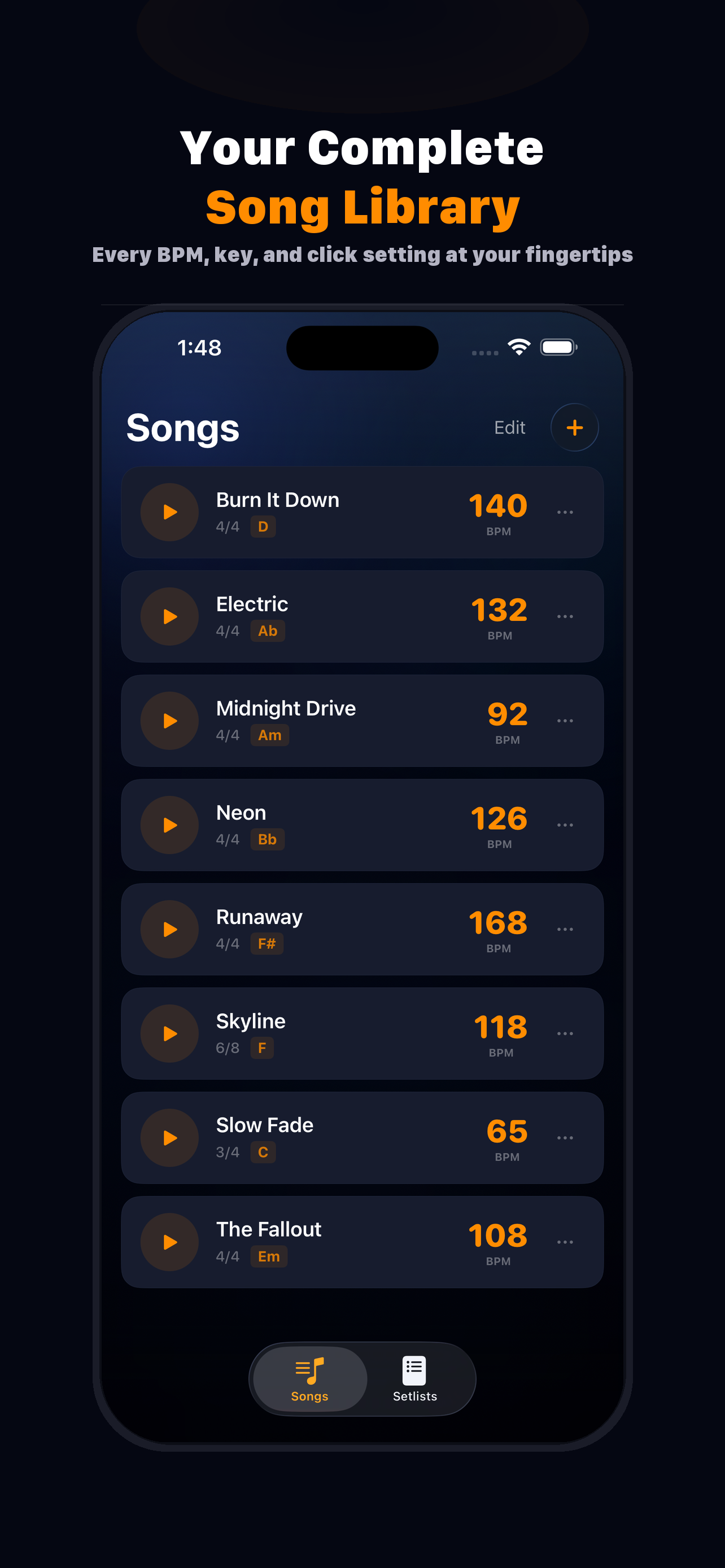
Store every song with its BPM, time signature, key, subdivision, click sound, and performance notes. Your whole repertoire in one place.
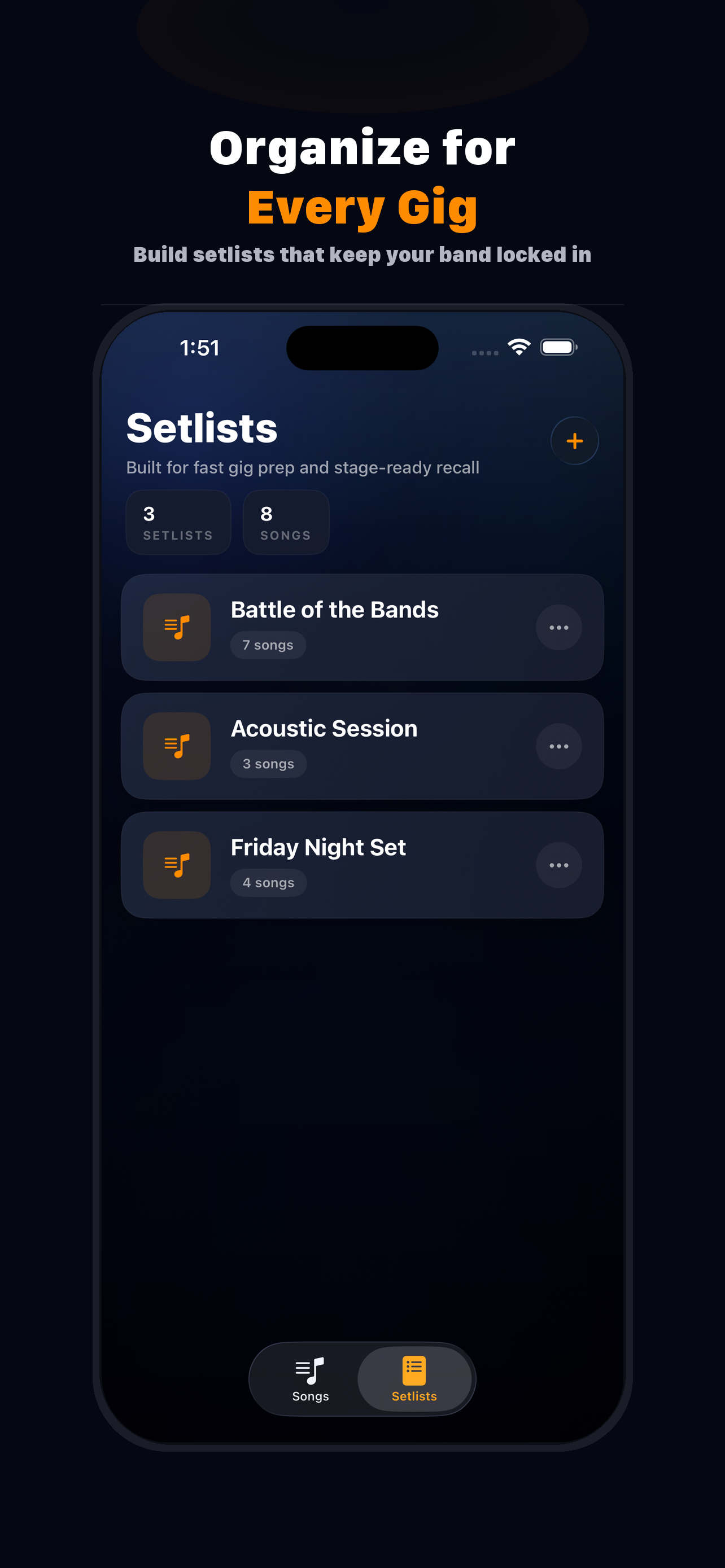
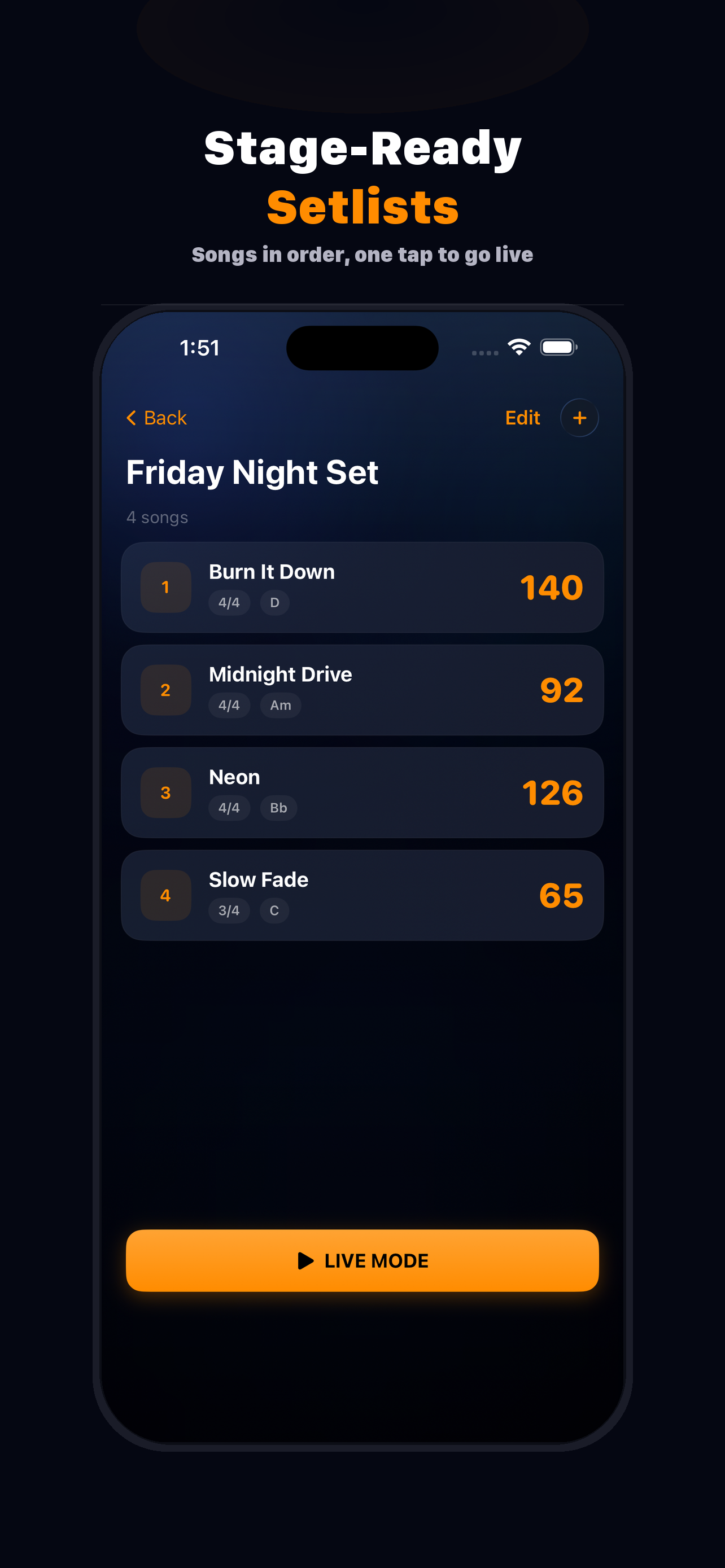
Drag songs into setlists for each gig. Duplicate, reorder, and export — so your whole band stays on the same page.
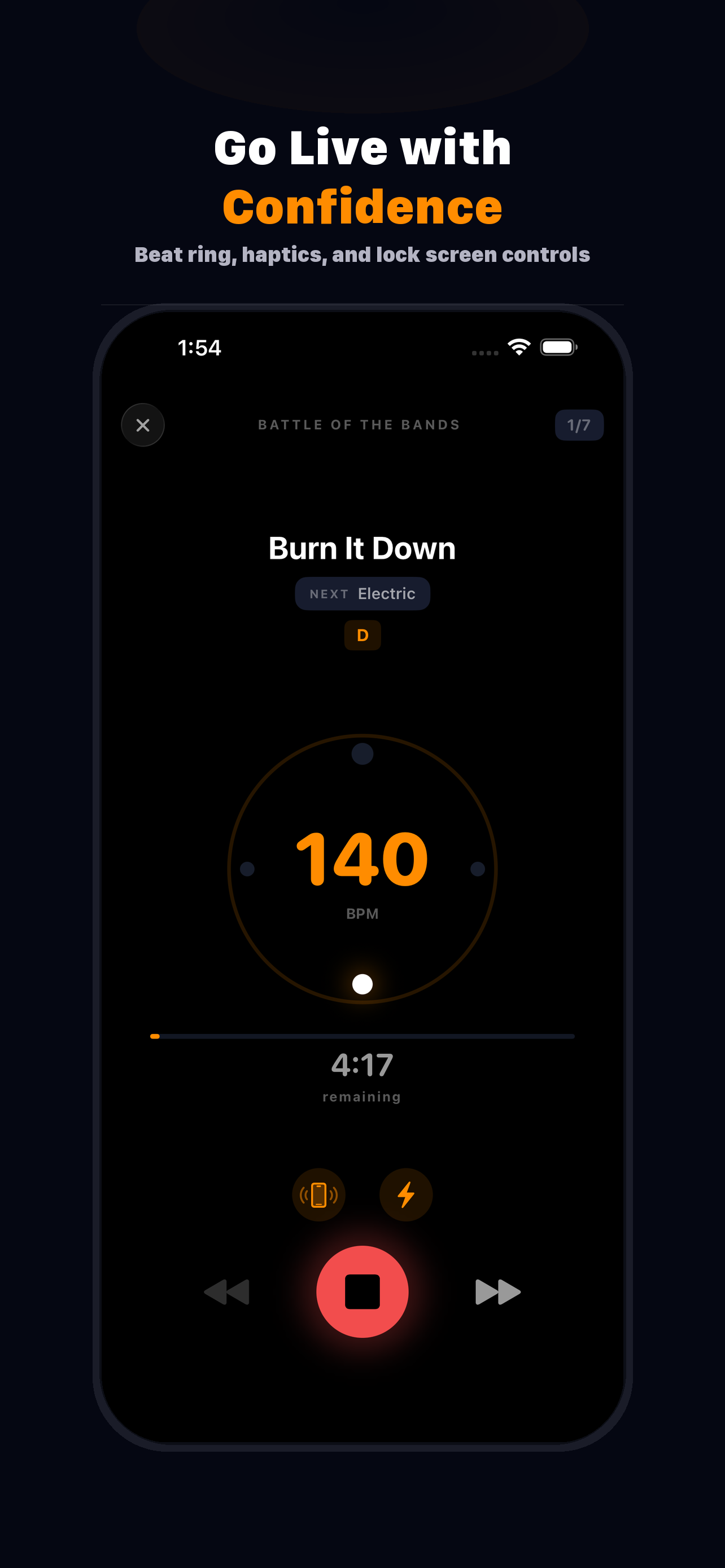
Full-screen performance view with a beat ring, BPM display, song progress, and next-song preview. Built to glance at on a dark stage.
Spoken beat numbers during count-in — "One, two, three, four" — so the whole band knows exactly when to come in.
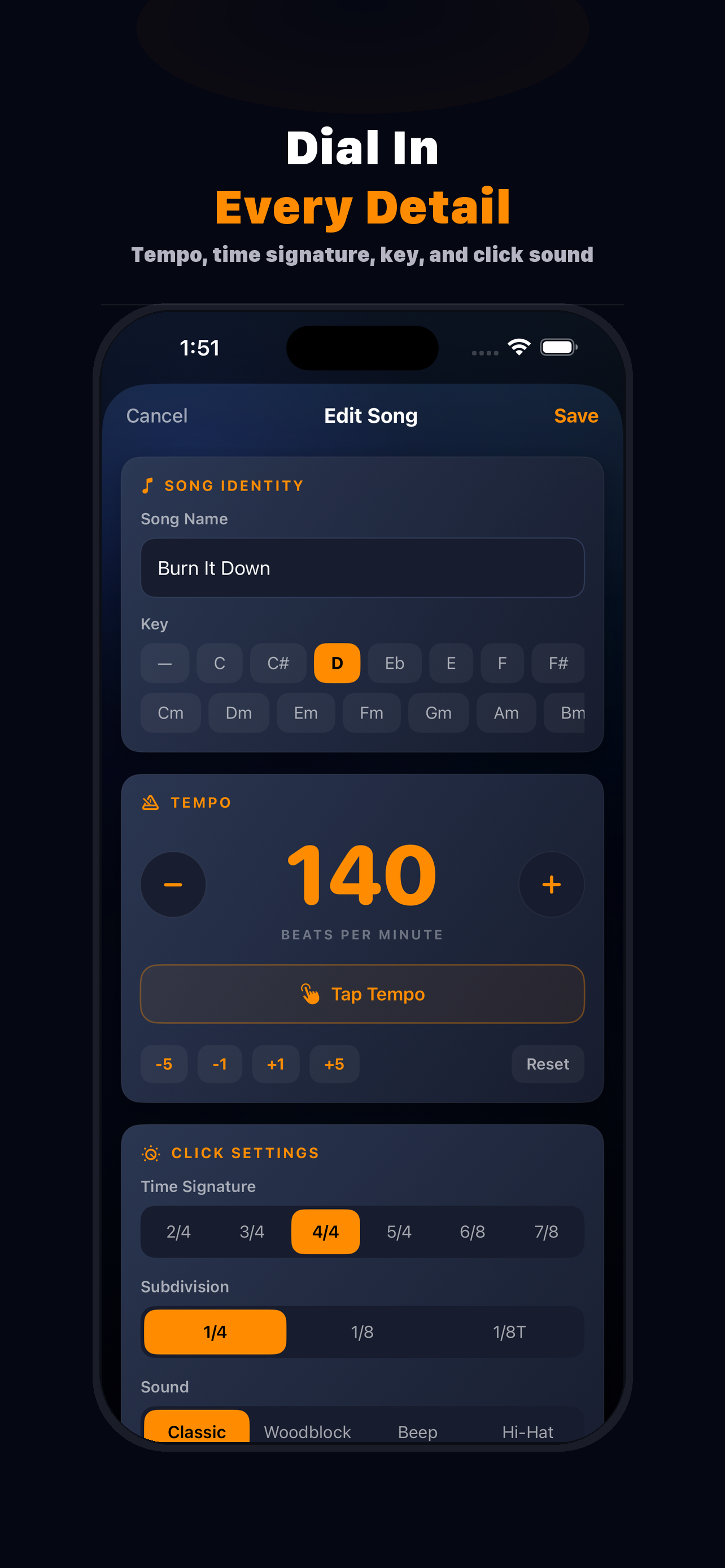
Classic tick, woodblock, digital beep, or hi-hat. Each one synthesized with realistic attack and decay — no samples.
Feel every beat through your phone. Heavy pulse on the downbeat, light tap on the rest. Perfect for in-ear monitoring setups.
Get the count-in, then silence. For bands that want the tempo set but prefer to play without a click running the whole song.
Set song durations and the click auto-stops when time's up. See a live countdown so you always know where you are in the set.
Play, pause, skip forward, skip back — all from the lock screen and Now Playing widget. No need to unlock mid-performance.
Tap to detect BPM on the fly. Great for figuring out a song's tempo by feel — tap a few times and it locks in.
Tag every song with its key — major or minor. Visible in the song list, setlist detail, and live mode at a glance.
Share setlists as JSON files. Export a backup of your entire library, or import one from a bandmate. Zero data lost between devices.
Create each song with its BPM, time signature, key, click sound, and any performance notes. Tap tempo if you need to find the BPM by feel.
Pick your songs, set the order. Each setlist is a self-contained gig plan — duplicate it for tomorrow's show with different songs.
One tap and you're performing. The beat ring lights up, the count-in starts, haptics kick in. Skip forward and back between songs without leaving the screen.
Screen stays on, lock screen controls work, audio runs in the background. SetClick stays out of your way and keeps the band locked in.
From song setup to live performance, here’s the full SetClick experience.